
IMAGINED BY YOU. CREATED WITH AI.
Create beautiful art
for your canvas TV.
With the power of AI.
Turn a thought, a feeling, or a favorite photo into
art that makes your room feel like you. Create for Samsung The Frame and other compatible 4K art TVs.
Start creating free · No credit card
WORKS WITH THE TV. BELONGS IN YOUR HOME.
4K artwork for art TVs that support personal photo uploads. Transfer with your TV’s app or USB; features vary by model.
Independent of these brands. No TV account connection required.
A LITTLE AI. A LOT OF YOU.
From a few words
to a whole new feeling.
No design skills. No searching for the almost-right print.
Just your imagination, brought home.
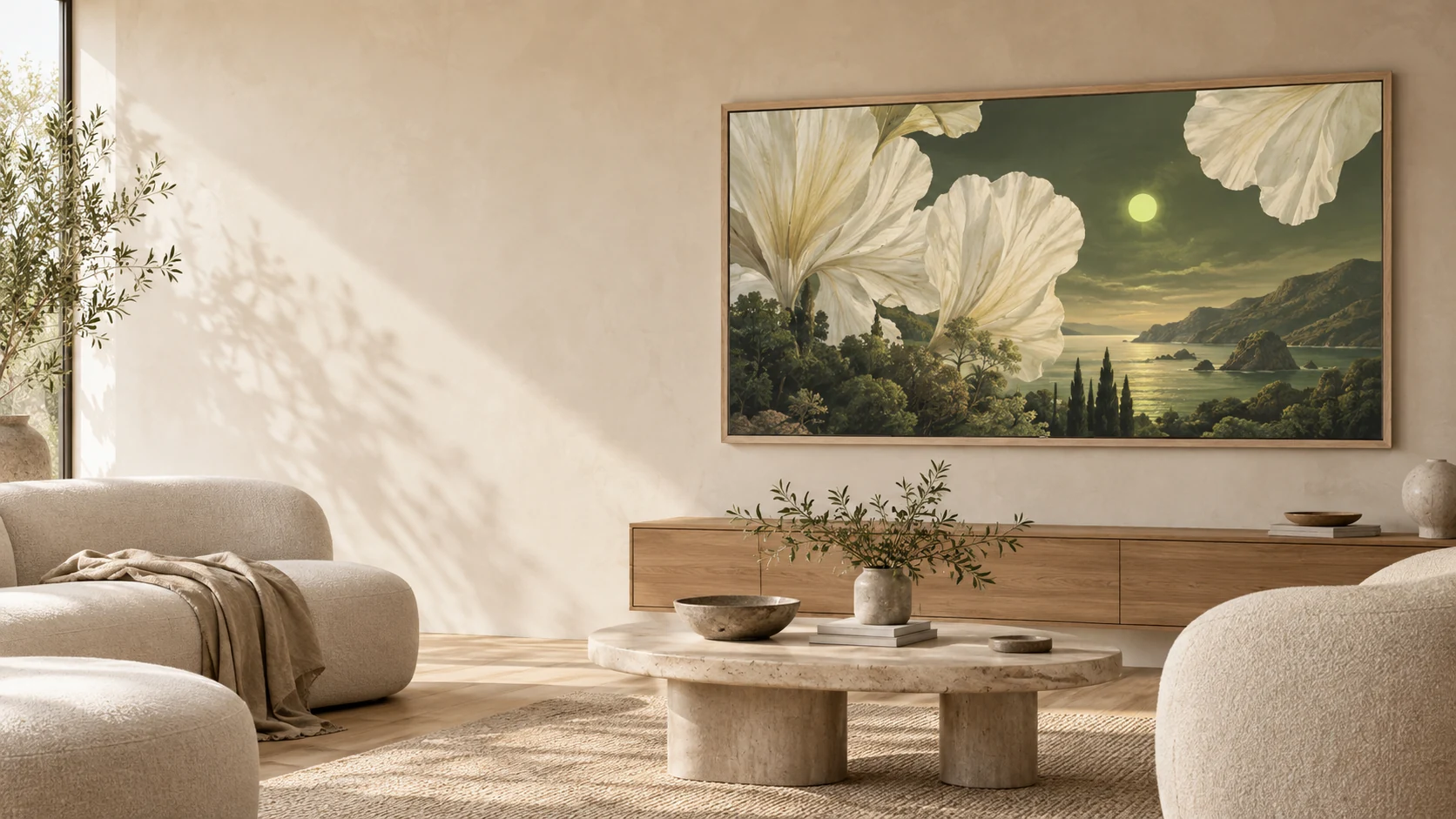
A dreamlike coastline, giant ivory flowers,
and a soft olive-green sky.
DESIGNED AROUND YOUR FEELING.
Set the mood.
AI sets the scene.
A quiet Sunday. A sun-washed coast. Something that goes perfectly with that new sofa. Describe it, then let AI get to work.
“A quiet coast, soft light, a little daydream.”YOUR PHOTOS. NEW POSSIBILITIES.
A familiar face.
An unfamiliar world.
Bring a photo you love. Tell AI where to take it. Turn a moment in the garden into a walk beneath the redwoods—or a scene only you could imagine.
Create with your own photoUpload up to 3 reference images. iPhone photos welcome.
 Your photo
Illustrative AI example. Results vary with your photo and prompt.

A GOOD FIT, FROM THE START
Make the most of your art TV.
How to upload your own art to Samsung The Frame
From a finished JPEG to your wall, with two practical ways to add personal artwork to Art Mode.
How to upload your own art to Hisense CanvasTV
Find Photo Collection, send an image from your phone, and give it the right finish on the screen.
How to display your own art on TCL NXTFRAME and NXTVISION
Start with the software on your TV: TCL’s gallery and Google TV’s personal-photo screensaver use different routes.
A FEW GOOD QUESTIONS
A little clarity,
before you create.
Can I try Frame Studio for free?
Yes. Start with 3 free credits and no credit card. Monthly memberships start at $6.99; one generation uses one credit. Visit our pricing page for the current plans. Every plan includes photo resizing, 4K downloads, a private collection and sharing.
How do I get the artwork onto my TV?
Download your finished image, then add it using your TV’s supported photo or art upload feature. For Samsung The Frame, use SmartThings or a USB drive. Other brands have their own apps and transfer methods. Frame Studio creates the image; it does not connect directly to your TV account.
Can I use photos from my iPhone?
Yes. Choose a photo from your library, including HEIC and HEIF images. Use it as inspiration for AI artwork, or use the Re-sizer to crop and prepare the photo itself for your TV.
What size are the finished images?
TV exports are 3840 × 2160 pixels in a landscape 16:9 format, with JPEG and PNG downloads. The studio checks the size and crops, downscales, or upscales as needed. Check your specific TV’s supported image formats and display settings.
Are my images private?
Your collection belongs to your account. An image becomes publicly accessible only when you create a share link. Anyone can view and download a published artwork, and its page can appear in search results. You can revoke the link from the studio.
YOUR NEXT FAVORITE PIECE IS STILL IN YOUR HEAD.
Let’s put it
on your wall.
Create your first artworkStart free. No credit card. Just imagination.